OCUS Job Hunter: Developer Documentation
1. Project Overview
OCUS Job Hunter is a web application with a serverless backend built on Cloudflare. The backend provides APIs for features like feature toggles and Stripe integration.
Current Priority: Resolve a persistent HTTP 500 error in the Admin Dashboard's feature toggles API (/api/admin/dashboard-features).
2. Cloudflare Platform Guide
This project relies heavily on the Cloudflare ecosystem. Here’s a guide to the key services used.
Cloudflare Pages (Hosting & Deployment)
Cloudflare Pages is a platform for deploying and hosting web projects. It integrates directly with GitHub for a seamless CI/CD workflow.
- How it works: Every
git pushto themainbranch automatically triggers a new deployment. - Viewing Deployments: In the Cloudflare Dashboard, navigate to Workers & Pages > select the ocus-jub-hunter project. Here you can see deployment history, logs, and custom domain settings.
- Viewing Logs: In the project view, go to the Logs tab to see real-time logs from the live functions. This is critical for debugging production issues.
Cloudflare Functions (Serverless Backend)
The backend logic is built using Cloudflare Functions, which are serverless functions that run on Cloudflare's edge network. In this project, they are deployed as part of the Pages application.
- File-based Routing: The file path in the
/functionsdirectory determines the API endpoint URL. For example,/functions/api/hello.tsbecomes the endpoint/api/hello. - Execution Environment: Functions receive a context object containing environment variables and bindings (like the D1 database).
Cloudflare D1 (Database)
D1 is Cloudflare's serverless SQL database, built on SQLite. It's used to persist application data.
- Database Name:
ocus-tickets - Database ID:
cc9216e4-8167-486a-b174-89087493b2ea - Accessing D1 Studio: In the Cloudflare Dashboard, go to Workers & Pages > D1 > select the ocus-tickets database. The "Studio" provides a web UI to browse tables and run SQL queries directly.
- Database Tables: The
ocus-ticketsdatabase contains the following tables:activation_codesauth_settingscountdown_bannerscustomersdashboard_featuresextension_downloadsinvoicesordersproductssettingssqlite_sequenceticket_messagesticketsuser_downloadsusers
- D1 Binding: To access the database from a Function, a "binding" is required. In this project, the D1 database is bound to the variable
DB. This binding must be configured in Settings > Functions > D1 database bindings for the Pages project.
3. Local Development
The Wrangler CLI allows you to develop and test the entire application locally.
# 1. Clone the repository
git clone https://github.com/Houman6460/OCUS-jub-hunter.git
cd OCUS-jub-hunter

# 2. Install dependencies
npm install

# 3. Run local server with D1 binding
npx wrangler pages dev --d1=DB
This command starts a local server and creates a local SQLite file to simulate the D1 database.
4. Current Debugging Task
- Problem: HTTP 500 errors on
PUT /api/admin/dashboard-features. - Hypothesis: The D1 database binding (
env.DB) is missing or misconfigured in the production environment. - Latest Commit for Diagnosis:
8244d8ba(This commit added logging to check the binding). - Next Step: Trigger the API in production and check the Cloudflare logs for a message starting with
onRequestPut: env.DB binding:. If it saysMISSING, the binding needs to be created in the Cloudflare dashboard.
5. Useful Links
6. Issue & Resolution: Premium Download Validation
Issue
The premium extension download endpoint (/api/download-premium) did not correctly validate
user eligibility due to mismatches with the actual D1 schema and Stripe webhook behavior. Symptoms included
rejecting valid premium users and failing to log extension downloads.
- Assumed a non-existent column
customers.is_premium(actual:customers.subscription_status). - Queried
orders.customer_idwhich does not exist (actual linkage:orders.customer_emailand/ororders.user_id). - Activation code checks targeted a wrong column name; actual column is
activation_codes.is_active. - Download logging was using the wrong customer reference; the correct foreign key is
extension_downloads.customer_idreferencingcustomers.id.
Resolution
- Compute premium status from
customers.subscription_status === "active". Users still keepusers.is_premiumfor user-centric checks. - Verify completed orders by
status = 'completed'and positivefinal_amount, matching eitherorders.customer_emailto the customer email ororders.user_idto the authenticated user. - Use
activation_codes.is_activewhen validating activation keys. - Log extension downloads into
extension_downloadswith a validcustomer_idfrom thecustomerstable, capturing IP, user agent, and download token.
Verification
- Type-checked the endpoint in isolation to avoid unrelated repo errors: success.
- Built and deployed the project; verified no build-time errors from these changes.
- Confirmed alignment with Stripe webhook behavior that sets
subscription_statusand user premium flags post-purchase.
Related Files
functions/api/download-premium.ts— endpoint logic updated.shared/schema.ts— authoritative D1 schema used to correct field names.functions/api/stripe-webhook.ts— purchase completion logic informing premium state.
Appendix: Visual guide with screenshots
These annotated screenshots walk through the Cloudflare UI for deployments and D1. If images do not load, ensure the files exist under public/docs/screenshots/ (served at /docs/screenshots/ in production) with the filenames used below.
A. Cloudflare Pages deployments view
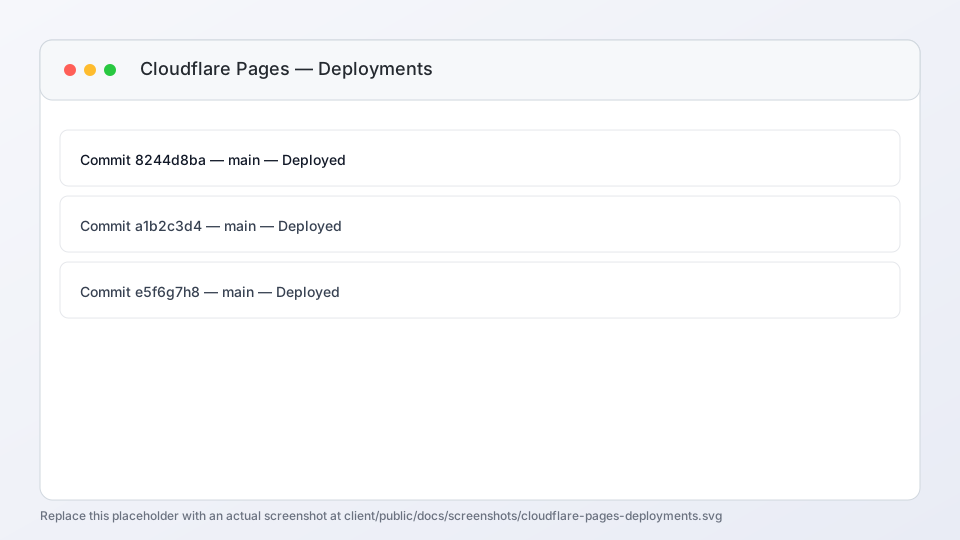
- Project:
ocus-jub-hunter. Each commit tomaintriggers a deployment. - Commit IDs: Click View details for logs tied to the exact commit.
- Status icons: Green checks indicate successful build and activation.
- Visit link: Opens the deployed URL to validate endpoints and UI.
- Open Cloudflare Dashboard → Workers & Pages.
- Select the ocus-jub-hunter project.
- On the Deployments tab, find the row for the commit you deployed.
- Click View details to inspect build and function logs.
- Use the Visit link to open the live site and verify endpoints (e.g.,
/documentationand/apiroutes).
B. D1 Database list
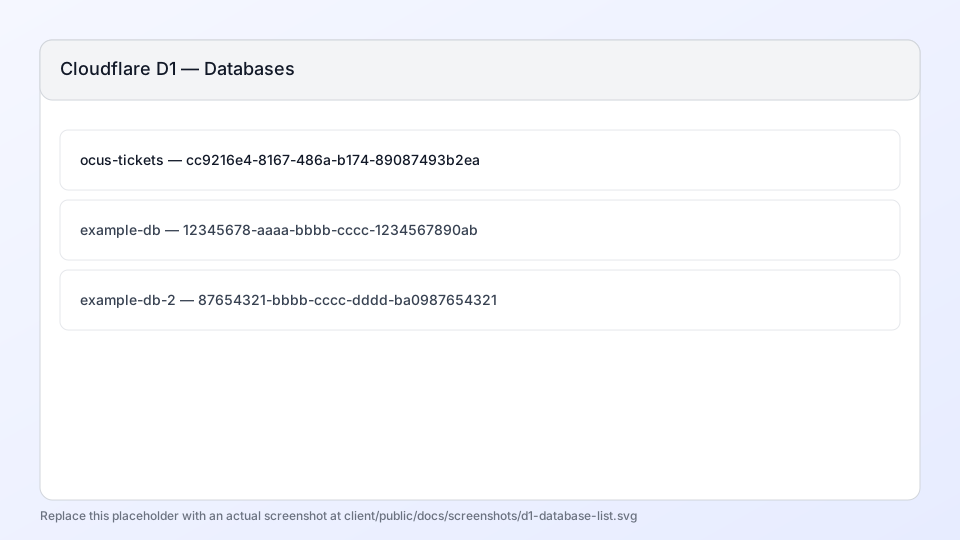
- Database name:
ocus-ticketswith UUIDcc9216e4-8167-486a-b174-89087493b2ea. - Queries & size: Useful to verify activity in production.
- Open Studio: Click the database to access the Studio for tables and queries.
- From the Cloudflare Dashboard, go to Workers & Pages → D1.
- Locate ocus-tickets and confirm the UUID matches production.
- Click the database name to open the detail view and access Studio.
C. D1 Studio: tables and data
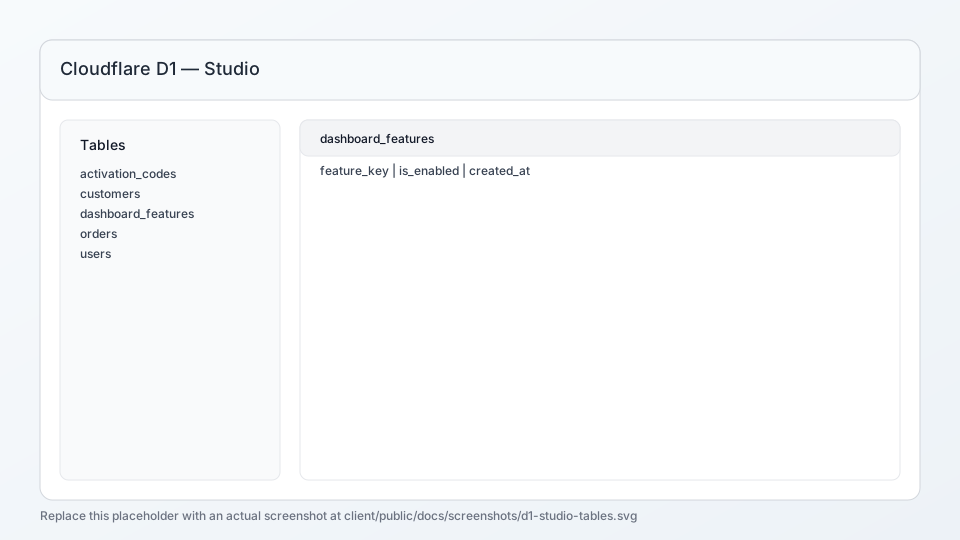
- Tables list: Left sidebar, including
dashboard_features. - Data grid: Inspect rows, verify columns (e.g.,
feature_key,is_enabled). - Query tab: Run SQL like
PRAGMA table_info('dashboard_features');for schema.
- Open Studio for ocus-tickets.
- Select the dashboard_features table in the sidebar.
- Use the Query tab to run schema checks and updates as needed.
- Confirm columns include
feature_key,is_enabled, and timestamps.